
Indoor ZWave Smart Plug: Your Home Automation
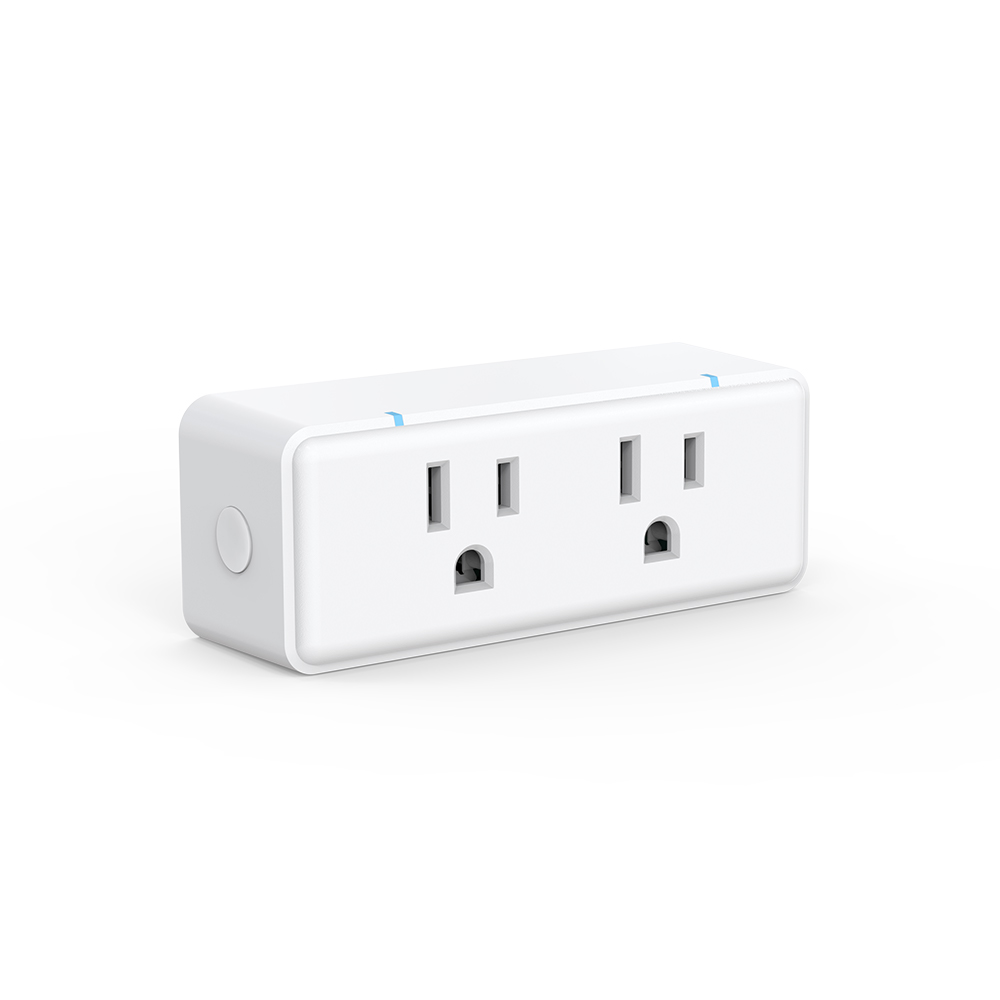
In this article, we’ll explore what indoor ZWave smart plug are, how they work, and why they are quickly becoming a must-have for modern homes.
What is an Indoor ZWave Smart Plug?
At its core, an indoor ZWave smart plug is a device that allows you to control your electrical appliances remotely. Unlike traditional plugs, it connects to your home automation system via Z-Wave technology—a wireless communication protocol designed specifically for smart homes. This means you can turn devices on or off, set schedules, and even monitor energy usage, all from the comfort of your smartphone or tablet.
The beauty of Z-Wave lies in its reliability. Unlike Wi-Fi-based plugs, Z-Wave devices communicate through a mesh network, which makes them highly stable and ensures that commands reach their destination without delay. Whether you’re controlling a lamp in the living room or a fan in the bedroom, the responsiveness is smooth and consistent.
Why Choose an Indoor ZWave Smart Plug?
There are many reasons why an indoor ZWave smart plug is worth adding to your home setup:
-
Convenience at Your Fingertips
Imagine leaving your house and realizing you forgot to turn off a lamp. With a Z-Wave smart plug, you can switch it off remotely in seconds. -
Energy Efficiency
By monitoring energy usage, you can see which devices consume the most power and take steps to reduce your electricity bill. Scheduling devices to turn off automatically also helps save energy. -
Seamless Home Automation
Z-Wave smart plugs integrate easily with other Z-Wave devices like sensors, lights, and thermostats. For example, you can set your living room lamp to turn on automatically when motion is detected in the evening. -
Enhanced Safety
Prevent potential hazards by turning off appliances that were accidentally left on, such as irons or space heaters.
How to Set Up an Indoor ZWave Smart Plug
Setting up your indoor ZWave smart plug is straightforward, even for beginners. Here’s a simple step-by-step guide:
-
Plug It In – Insert the smart plug into a standard electrical outlet.
-
Pair With Your Hub – Using your Z-Wave-compatible hub, follow the pairing instructions to add the plug to your network.
-
Download the App – Most hubs come with an app that allows you to control and schedule your devices.
-
Start Automating – Set schedules, monitor energy, or create smart scenes with other Z-Wave devices.
With just a few minutes of setup, your home becomes smarter, more efficient, and more convenient.
Best Practices for Using Your Indoor Z-Wave Smart Plug
To get the most out of your indoor Z-Wave smart plug, consider these tips:
-
Avoid Overloading – Check the maximum power rating to ensure your appliance is safe to connect.
-
Strategic Placement – Ensure your plug is within range of your Z-Wave hub for optimal connectivity.
-
Combine With Sensors – Use motion or door sensors to automate lights and appliances even more effectively.
-
Monitor Usage Regularly – Keep an eye on energy patterns to optimize both convenience and cost savings.
Conclusion
An indoor ZWave smart plug is more than just a gadget—it’s a gateway to a smarter, safer, and more energy-efficient home. With its reliable connectivity, easy integration, and simple setup, it’s a small investment that can make a big difference in your everyday life. Whether you’re new to smart home technology or looking to expand your existing setup, this little device is a perfect starting point.



